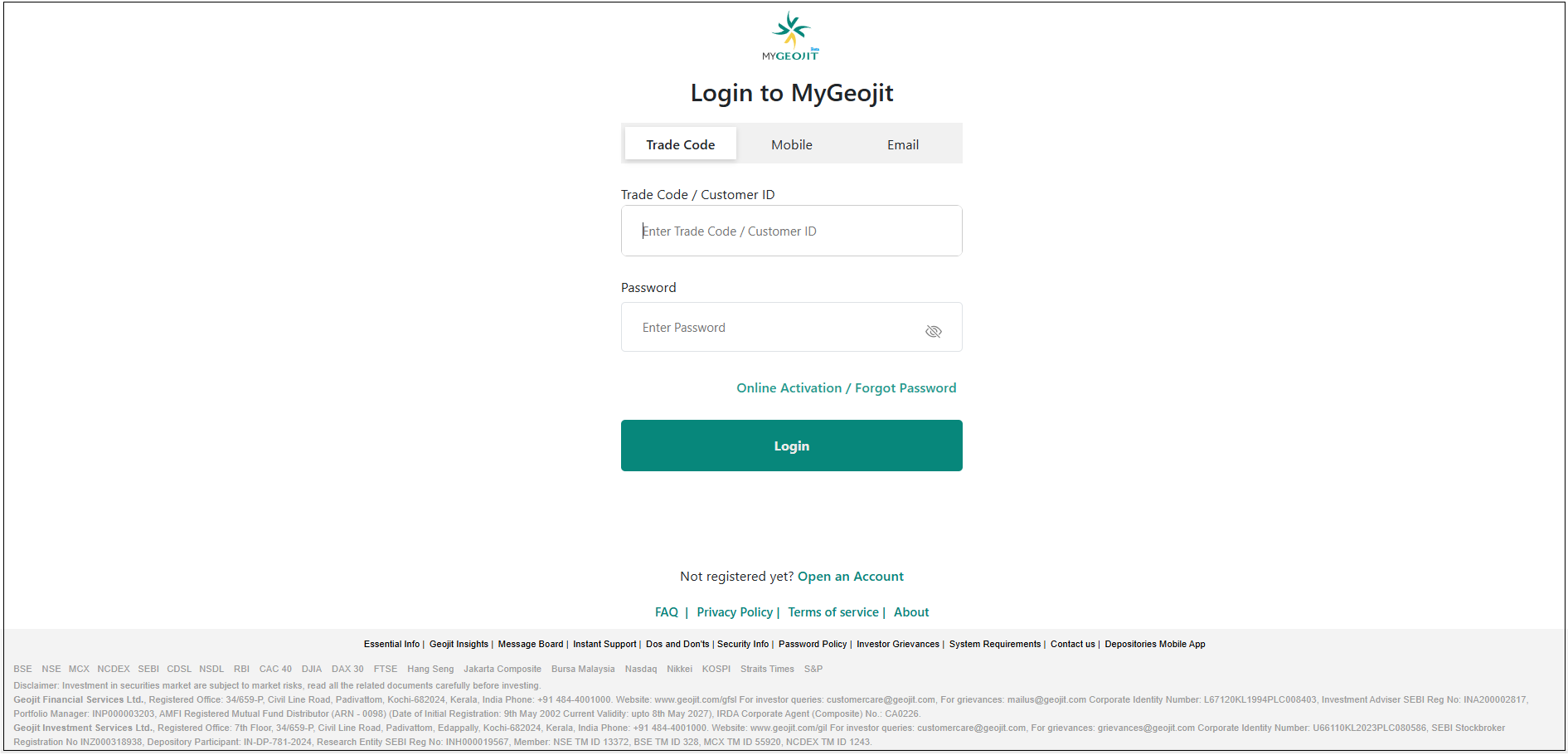
How do I log in to MyGeojit?
Open any web browser (Chrome, Firefox, Edge, Safari, etc.).
- Step 3. Enter your Password > Login
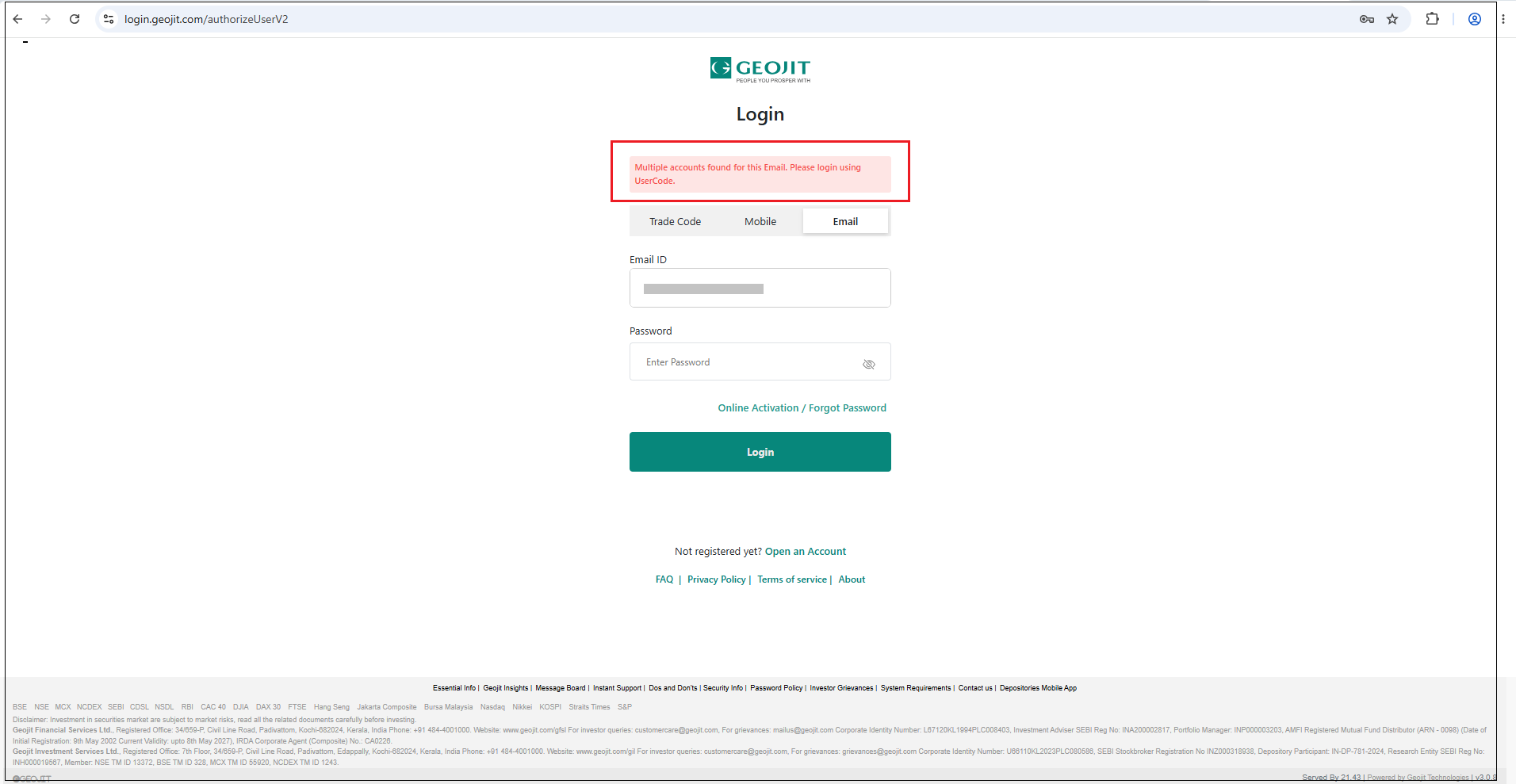
If you have multiple accounts linked to your registered email ID, you will need to log in using your user code.
LOGIN FOR CLIENTS WITHOUT TRADING ACCOUNT

* You can login with your DP-Client ID/ ACC ID (ACC ID will be available for those users who will have investments in Mutual Funds)
* Login will not be possible unless you have a registered Email ID/Mobile Number in clients profile.
* The OTP will be generated and sent to the registered mobile/email id.
* This is applicable for registering for TOTP and OTP.
NOTE : If you do not have a password, use the Forgot Password option to reset it.
Still need help? Create Ticket


