How do I log in to Smartfolios?
You can access our Smartfolios platform using your FLIP login credentials.
Open any web browser (Chrome, Firefox, Edge, Safari, etc.).
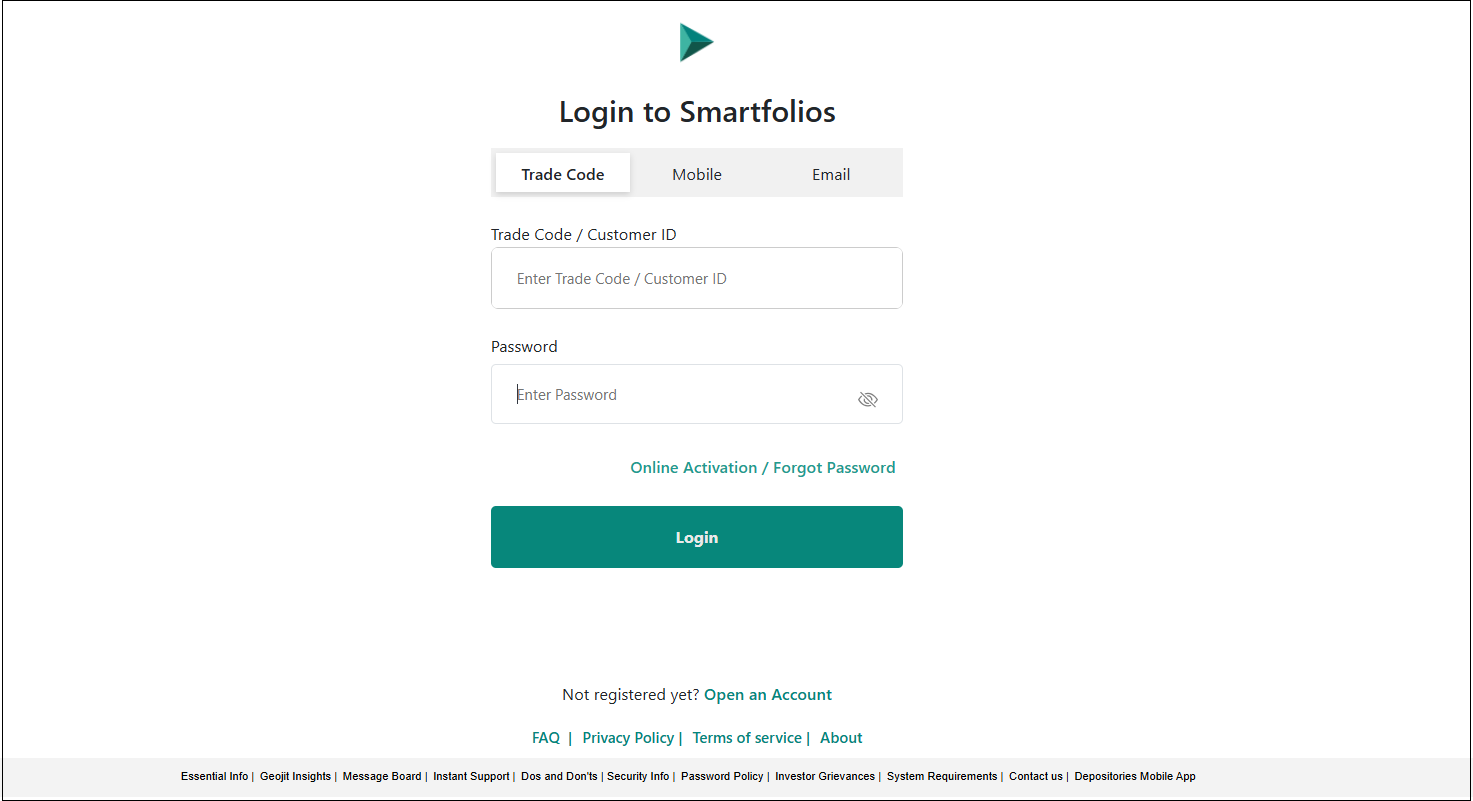
- Go to https://smartfolios.geojit.com/
- You can log in using any of the following methods :
- Trade Code and Password
- Mobile Number and Password
- Email ID and Password
Choose whether to Show or Hide the Password while typing.
Click on the "Login" button to proceed to the "Two-Factor Authentication" page.
How to enable TOTP for Smartfolio ?
Once you log in to Smartfolios using your FLIP credentials, a page will be displayed giving you three options to log in:
- Login with OTP - Generate OTP, and enter the OTP recieved.
- Login with TOTP
- Login with Biometric
Login with TOTP
- Click on Login with TOTP.
- Tap on the 'Enable' button.
- You will be navigated to the 2FA-TOTP page.
- You'll need to enter the OTP for account verification.
- Click on 'Generate OTP.'
- Click on Submit.
- Copy the key or scan the displayed QR code using the authenticator app on your mobile phone.
- Enter the login password.
- Enter the 6-digit TOTP given in the authenticator app.
- Click on Enable, and you are done.
Still need help? Create Ticket


